NFC Business Card vs QR Code — Which Is Better for Your Business?
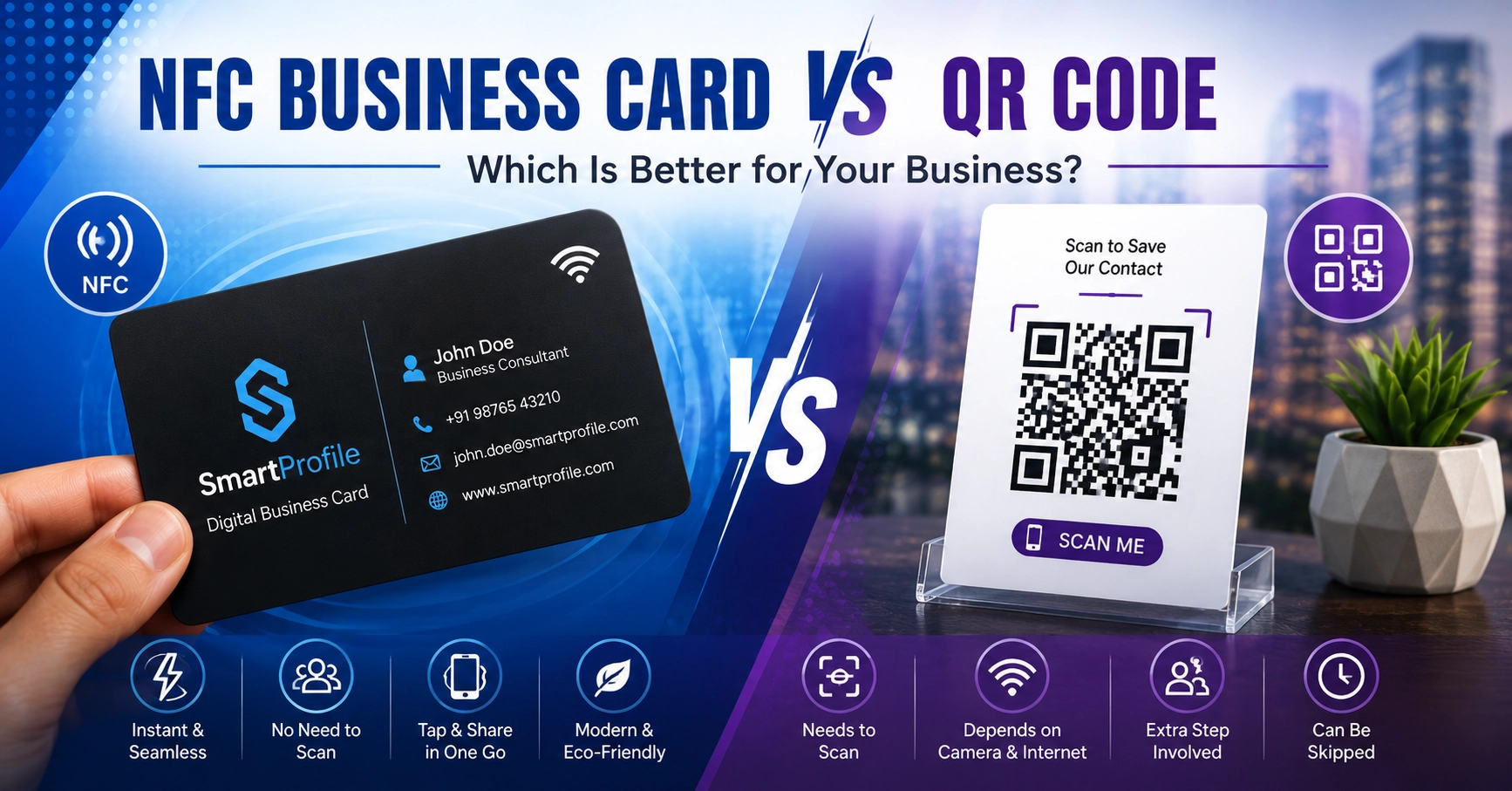
If you're setting up a digital business card, you'll eventually run into this choice: should people access your profile by tapping an NFC business card, or scanning a QR code? Both get someone to the same destination — your digital profile — but they work differently, and each has situations where it's the better fit.
This guide compares the two directly, so you can decide which one (or both) makes sense for your business.
How NFC Works
NFC (Near Field Communication) uses a small chip embedded in a card. When someone holds their phone close to it — usually within a few centimetres — the phone reads the chip and automatically opens the linked profile in the browser. No app, no camera, no scanning motion. Just a tap.
Many modern smartphones support NFC, and iPhones in particular can read NFC tags without opening any app at all, though availability varies by device. You can read more about the underlying standard on the NFC Forum, the industry body that maintains NFC specifications.
How QR Codes Work
A QR code is a printed pattern that encodes a link. To use it, someone opens their phone's camera (or a QR scanner app), points it at the code, and taps the notification that appears to open the link.
QR codes don't need any special hardware in the phone — just a working camera — which makes them work on essentially any modern smartphone, including older models that may lack NFC.
NFC vs QR Code: Side-by-Side Comparison
Speed and effort. NFC wins here — it's a single tap with no extra steps. A QR code needs the camera app open, the code in frame, and a notification tap — three actions instead of one.
Device compatibility. QR codes win here — they work on virtually any smartphone with a camera, while NFC requires the phone to have an NFC chip and have it enabled.
Physical requirements. NFC needs a card with an embedded chip, which costs more to produce than a printed QR code. A QR code can be printed on almost anything — a paper card, a poster, a storefront sticker — at near-zero incremental cost.
Line of sight. QR codes need decent lighting and a clear view to scan. Unlike QR codes, NFC does not require a camera to see a visual pattern, so lighting and line-of-sight are generally less important.
Perceived experience. NFC tends to feel more modern and impressive in a one-on-one meeting — tapping a sleek card reads as more polished than asking someone to scan a code. QR codes feel more familiar and less novel, but that familiarity itself can be an advantage since almost everyone already knows how to use one.
Durability of the sharing method. A QR code printed on paper can fade, tear, or get damaged. An NFC chip embedded in a proper card tends to hold up better physically, though the difference matters less if the card is treated with reasonable care.
Which One Should You Choose?
For most businesses, the honest answer is: use both. They're not mutually exclusive, and a well-designed NFC business card typically has a QR code printed on the back as a fallback. This gives you the speed of NFC for phones that support it, and the QR code as a backup for the rest.
If you have to choose just one to start with:
Choose NFC if you meet people in person often — networking events, client meetings, sales calls — and want the fastest, most polished way to share your profile. The one-time cost of a physical card can make sense if in-person sharing is a regular part of your work.
Choose QR code alone if you're budget-conscious, want to get started immediately without ordering a physical product, or expect to share mostly through printed materials like flyers, posters, or packaging where a card doesn't make sense.
Do You Need Both?
If your budget allows it, having both isn't redundant — it's practical. The NFC card handles fast in-person sharing, while a QR code (whether on the same card or elsewhere, like a storefront window or product packaging) covers situations where a physical tap isn't possible, like remote sharing or one-to-many display scenarios.
Since both methods link back to the same digital business card, you're not maintaining two separate profiles — just two different ways for people to reach the same one.
Common Myths About NFC and QR Codes
A few misconceptions come up often when people are deciding between the two:
"NFC requires an app." It doesn't. On most phones, tapping an NFC card opens the linked page directly in the browser — no app installation needed on the recipient's side.
"QR codes look outdated." They've actually become more common than ever, especially after widespread use for menus, payments, and check-ins in recent years. Most people are now completely comfortable scanning one.
"NFC cards don't work if the phone case is thick." Very thick cases can occasionally weaken the signal, but this is uncommon with standard cases and rarely causes real issues in practice.
"You have to choose one or the other permanently." Since both are just different ways of opening the same link, switching your emphasis later — say, ordering NFC cards after starting with just a QR code — doesn't require rebuilding anything.
Which Businesses Tend to Prefer Each?
While the choice ultimately comes down to personal preference and budget, a few patterns are common:
Sales professionals, consultants, and real estate agents — who meet new contacts frequently in person — often lean toward NFC for the speed and polish it adds to introductions.
Retail shops, restaurants, and event organizers — who need to reach many people at once through a fixed display like a counter sign or table tent — often rely more heavily on QR codes, since a printed code scales to unlimited scans without any physical limit.
Freelancers and small business owners just getting started often begin with a QR code alone, since it costs nothing beyond printing, and consider an NFC card once their business is established and in-person networking becomes more frequent.
Getting Started
You can explore NFC business card options if you want a physical card with a tap-to-share chip and a built-in QR code fallback, or create your free digital profile first if you want to start with just the link and QR code before deciding on a physical card.