NFC Full Form and Meaning: Explained in Simple Terms
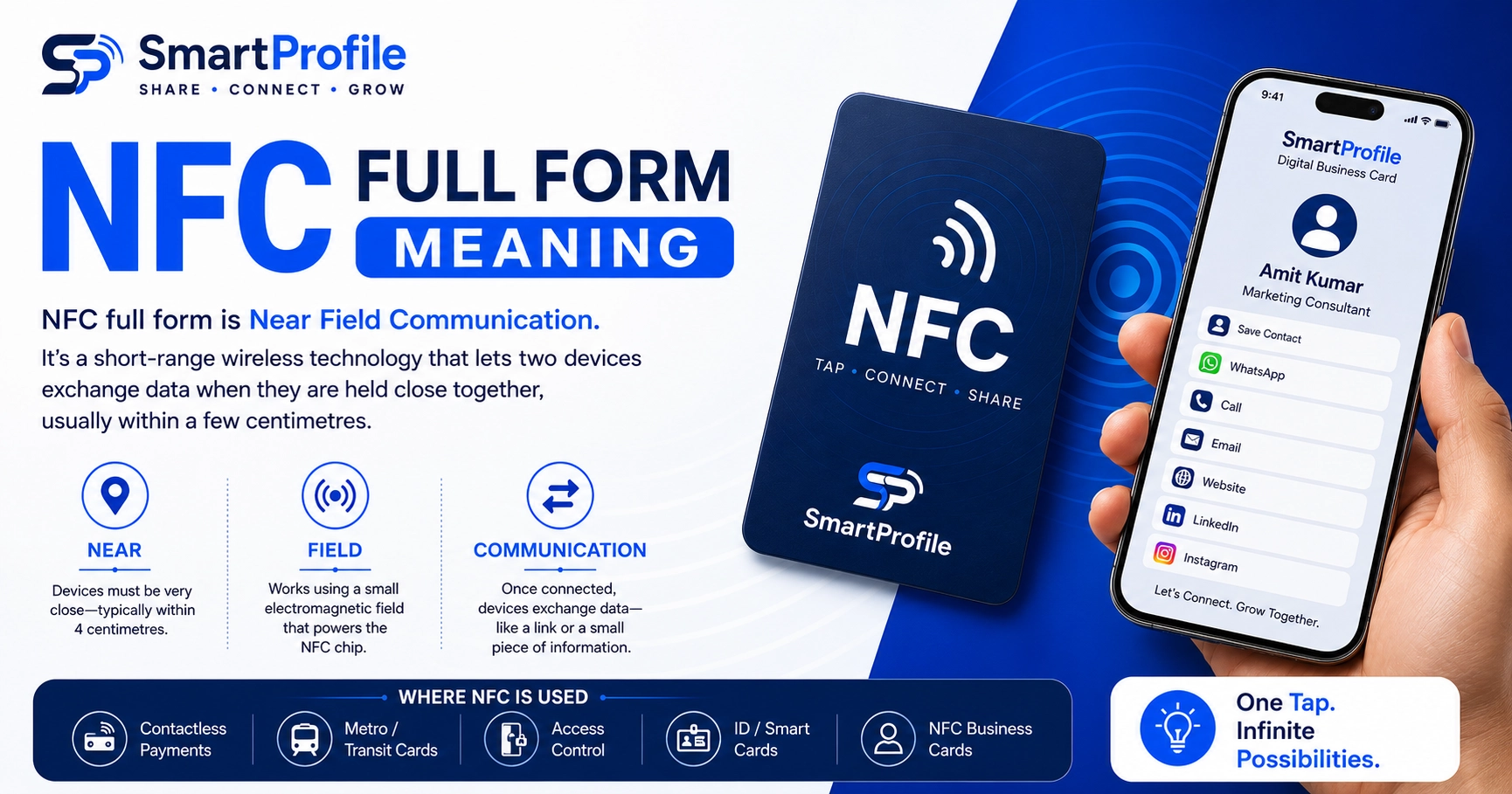
NFC full form is Near Field Communication. It's a short-range wireless technology that lets two devices, like a smartphone and a card, exchange a small piece of data when they're held close together, usually within a few centimetres.
If you're in a hurry, that's really all you need to know. But if you've ever wondered why it's called "near field" specifically, or what people mean when they throw around terms like "NFC card" and "NFC smart card," it's worth understanding where the name comes from.
Breaking Down the Full Form
Each word in "Near Field Communication" is actually describing how the technology works, not just naming it.
Take Near first. Unlike Bluetooth or WiFi, which can connect from across a room, NFC is designed for very short-range communication, typically within a few centimetres. That's by design.
Then there's Field. The device doing the reading, usually your phone, creates a small electromagnetic field. This field is what actually powers the chip on the other side. It's why an NFC card or tag doesn't need a battery of its own; the phone is doing the powering.
And finally Communication. Once that field connects the two, they can pass data back and forth. For most everyday uses, that data is nothing complicated, just a link or a small bit of text.
So when you put it all together, Near Field Communication is really describing two devices that only talk to each other when they're brought very close, using a wireless connection that doesn't need a plug or a battery on one end.
Where NFC Actually Came From
NFC isn't some brand-new invention that appeared out of nowhere. It grew out of RFID (Radio Frequency Identification), a much older technology that's been used in warehouses, toll booths, and access cards since the 1980s.
In the early 2000s, Philips and Sony worked together to take RFID's short-range chip technology and add proper two-way communication to it. That combination is what eventually became the NFC standard we use today. The first NFC-enabled phones showed up around 2010-2011, mostly for mobile payments in Japan. From there it spread fast, and NFC is now supported by many modern Android and iPhone models, although availability can vary by device and region — a big part of why NFC business cards and tap-to-pay have become so common recently.
NFC vs Bluetooth, RFID, and QR Codes
It's easy to lump NFC together with other "tap" or "scan" technologies, but they work quite differently under the hood.
Bluetooth needs a pairing step and can hold a connection from several metres away, which makes it good for things like headphones that stay connected for hours. NFC doesn't pair at all; it connects the instant two devices touch, which suits quick one-time actions like tapping a business card far better.
RFID, as mentioned, is really the older and broader category NFC came from. The main difference is that RFID is usually one-way, where a reader just scans a tag, while NFC supports two-way communication between two active devices.
QR codes work differently again. A QR code is just a printed pattern, and any phone camera can read it once you open the camera app and point it at the code. NFC skips that step entirely; you just touch the card to the back of the phone and it's done. A lot of businesses end up offering both, since QR codes work even on phones without NFC, while NFC itself just feels quicker and a bit more premium. If you're deciding between the two for your own business, we've gone into this comparison in more depth in our NFC business card vs QR code guide.
What Does "NFC Card" Actually Mean?
An NFC card is simply any physical card with a tiny NFC chip and antenna embedded inside it. What changes from product to product is what that chip is programmed to do.
Your tap-and-pay debit or credit card, or a metro card, uses it to transfer payment or ticket information. An NFC business card is programmed instead to open a digital profile link the moment someone taps it on their phone, which is what replaces the old paper visiting card. And then there's the broader term "NFC smart card," which just covers any card using this chip, including access cards, ID cards, and loyalty cards.
So whether someone says "NFC card," "NFC smart card," or "NFC business card," they're all talking about the same underlying technology. The only real difference is what the chip has been set up to do.
Is an NFC Card the Same as an NFC Business Card?
Not exactly. "NFC card" is the general technology. "NFC business card" is one specific use of it — a card that, when tapped, opens your digital profile with your contact details, WhatsApp, website, and social links instead of a payment or ticketing action.
If you want a full walkthrough of how the business card version works step by step, see our NFC business card guide.
Why NFC Business Cards Are Growing in India
A few years back, NFC in India was mostly something you associated with metro cards or tapping your card at a big retail counter. That's changed quite a bit lately. Many smartphones sold in India now support NFC, although availability varies by model, and small businesses, freelancers, consultants, and sales teams have been steadily moving away from paper visiting cards toward NFC ones instead.
Part of it comes down to cost. A paper card is a one-time print that becomes outdated the moment your number or designation changes, whereas one NFC card keeps working even after you update your details on the backend. Part of it is also just practical: a tapped digital profile gets saved on the other person's phone right away, while paper cards have a habit of getting lost or thrown out within a day or two. And at client meetings or exhibitions, tapping a card instead of handing over paper tends to leave a slightly sharper impression, without asking the other person to download anything or scan a code.
This is also why a platform like SmartProfile bundles the NFC card together with a digital business card, QR code, and directory listing under a single profile, so whether someone taps, scans, or finds you through a search, they land on the same up-to-date information.
How to Check if Your Phone Supports NFC
Many modern smartphones sold in India have NFC built in, but if you're not sure about yours, it only takes a minute to check your device settings or specifications.
On Android, head to Settings, then Connected Devices (sometimes labelled "Connections"), and look for an NFC toggle. If you see it, your phone supports it, just make sure it's switched on. On iPhone, it's simpler still: every model from the iPhone 7 onward has NFC support by default, and it stays active for reading without needing any toggle turned on, so tapping an NFC business card just works.
And if it turns out your phone doesn't have NFC at all, nothing is really lost. A digital business card still works fine through a QR code or a plain profile link. NFC is just the quickest of the three options when your phone happens to support it.