What is a Digital Business Card and How Does It Work?
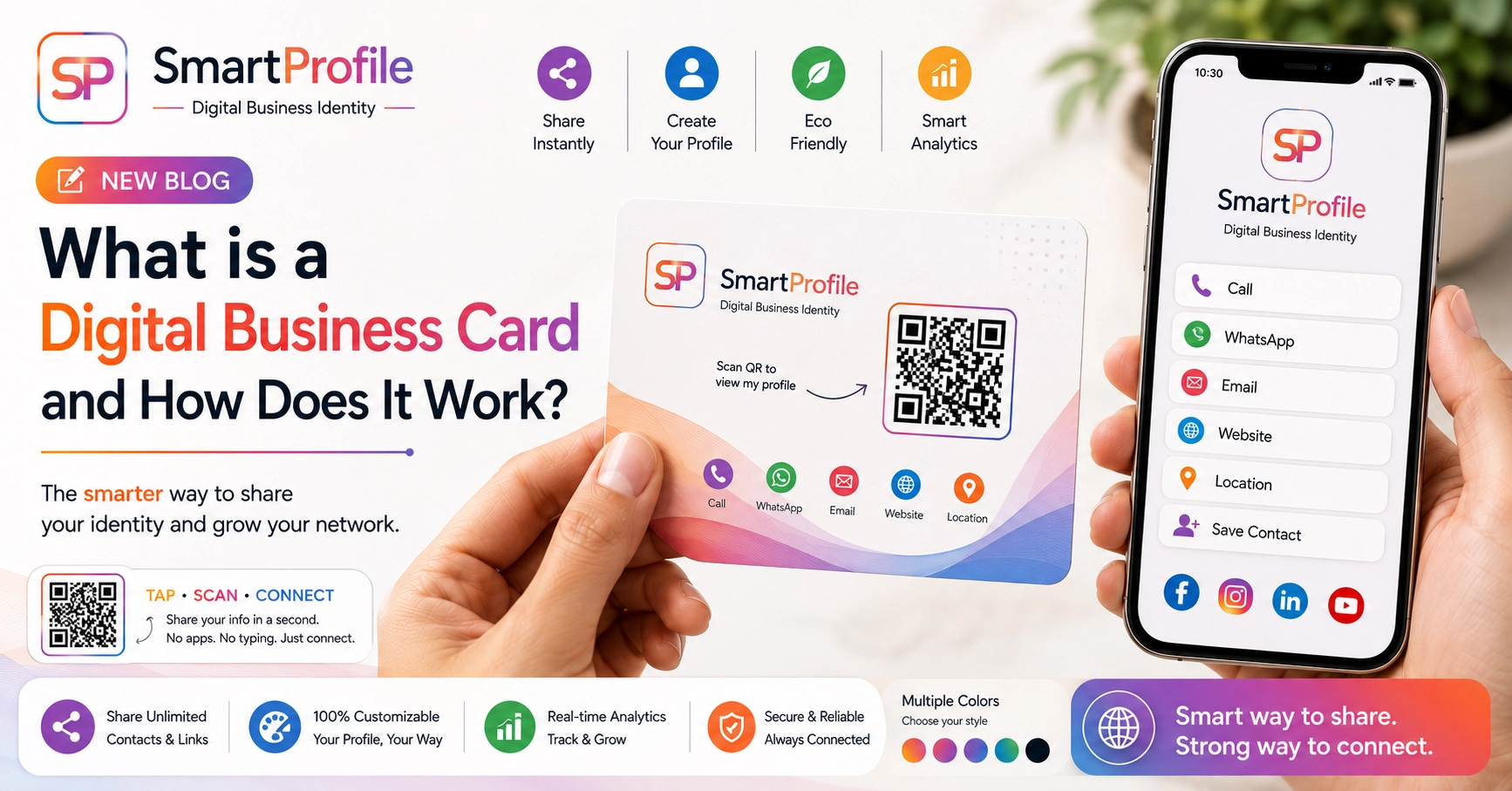
A digital business card — also called a digital visiting card — is exactly what it sounds like: an online version of your business card. Instead of a printed piece of paper, it's a single link that opens a page with your name, contact details, business information, and social profiles, all in one place. It's become a popular way for professionals and small businesses across India to share their details.
Paper cards have been the default way to exchange contact details for decades, but they come with familiar frustrations: they run out at the worst moment, they get thrown away, and the information on them goes stale the moment you change your number, designation, or company. A digital business card solves all of that with a single link that's always current.
In this guide, we'll cover what a digital business card actually is, how it works, what makes a good one, how it's different from a printed card or an NFC card, and answer the questions people most often ask before making the switch.
What is a Digital Business Card?
A digital business card is an online profile — usually accessible through a personal link like smartprofile.in/yourname — that holds everything a paper card would, and more. It typically includes your name, designation, business name, phone number, WhatsApp, email, website, and social media links, along with optional sections like your services, product gallery, and customer testimonials. You may also see it called a virtual business card or online business card — different names for the same idea.
Unlike a paper card, it isn't static. You can update any detail at any time, and everyone who has your link automatically sees the latest version — no reprinting, no outdated information floating around in someone's wallet. With SmartProfile, your digital business card also comes with a QR code by default, so it works whether you're sharing it online or handing someone a physical card that links to it.
How Does a Digital Business Card Work?
Setting one up is simple:
Step 1. You create a profile with your contact details, business information, and any links you want to share (WhatsApp, website, social media, products, services).
Step 2. You get a permanent link — for example, smartprofile.in/yourname.
Step 3. You share that link however you like: send it directly, put it in your WhatsApp/email signature, add it to your Instagram bio, or share it via a QR code or NFC card.
Step 4. Anyone who opens the link sees your full profile instantly, in their browser — no app needed on their end.
Because it's just a link, sharing is effortless. You can text it, print a QR code that opens it, or pair it with a tap-to-share NFC card for in-person meetings — making it one of the more practical tools for networking at events, conferences, or client meetings.
What Makes a Good Digital Business Card?
Not every digital card is built the same way. A well-designed one usually includes a few core elements beyond just contact details:
One-tap actions. Buttons for Call, WhatsApp, Email, and Save Contact mean the person you're sharing with can act immediately, without copying and pasting anything.
A services or products section. Instead of explaining what you do in conversation, your profile can show it — a short list of services, or a small gallery of your work. See our guide on what to include on your profile for the full list.
Social links in one place. Rather than asking someone to search for your business separately on Instagram, LinkedIn, or Facebook, a good digital card links to all of them directly.
Testimonials or reviews. Showing a few genuine client reviews on your profile builds trust faster than a verbal pitch alone.\n\nNFC sharing. Pair your profile with an NFC business card so it opens with a single tap during in-person meetings, instead of typing a URL or scanning a code.
A QR code. For situations where sharing a link directly isn't convenient, printing or displaying a QR code that opens your profile keeps things accessible.
Not every profile needs every feature, but the more complete it is, the more of your first conversation with a new contact it can handle for you.
Digital Business Card vs Paper Visiting Card
Paper cards have one job: hold your contact details until someone needs them. A professional digital business card does that and more:
Always current. Change your number, job title, or company, and your card is instantly up to date for everyone — past and future contacts.
Unlimited information. A paper card fits a few lines of text. A digital card can hold your full service list, portfolio images, testimonials, and multiple links, without ever looking cluttered.
Never runs out. There's no physical stock to manage or reprint before it runs low — a genuinely reusable digital business card that doesn't need replacing.
Easier to share remotely. You can send your digital card over WhatsApp or email in seconds — something a paper card simply can't do.
More interactive. A digital profile can include links, services, products, and reviews — actions a printed card simply can't offer.
Digital Business Card vs NFC Business Card — What's the Difference?
These two are often confused, but they work together rather than compete. A digital business card is the actual profile — the webpage with your information. An NFC business card is a physical card with a chip that opens your digital profile with a tap.
In other words, the NFC card is a delivery method for the digital card. You can absolutely have a digital business card without an NFC card — sharing it as a link, QR code, or in your email signature works perfectly well. The NFC card simply makes in-person sharing faster: a tap instead of typing a URL or scanning a code. If you want a physical card to pair with your profile, you can explore NFC business card options and pricing.\n\n## Digital Business Card vs QR Code\n\nA QR code is just another way of sharing the same digital profile — scanning it opens the same link a direct URL or NFC tap would. You can share your card as a link, a printed QR code, or through an NFC card, depending on the situation. For a full breakdown of when to use which, see our guide: NFC Business Card vs QR Code.
Who Should Use a Digital Business Card?
Anyone who exchanges contact details with clients, customers, or partners benefits from having a digital business card for networking — real estate agents, consultants, freelancers, doctors, shop owners, and sales professionals in particular, since they tend to meet new people regularly and want to make a strong, easy-to-remember first impression. If you run a small business, see our dedicated guide on digital business cards for small businesses.
It's also useful if you're simply tired of paper cards running out, going stale, or getting lost in someone's pocket, or if you want a single link that represents your business consistently across every platform you use.
Getting Started
Creating a digital business card takes just a few minutes — see our step-by-step guide for the full walkthrough: enter your business details, add the links and information you want to share, and your profile is ready. From there you can share it directly, generate a QR code, or add it to a tap-to-share NFC card for in-person networking.
Most people start with the basics — name, phone, WhatsApp, and email — and add more sections like services, gallery, or testimonials as their profile grows. Since none of it is fixed once published, there's no pressure to get everything perfect on day one.
You can create your free profile in a few minutes, explore paid plans with more features on our pricing page, or see what a completed profile looks like on our live demo.