What is an NFC Business Card and How Does It Work?
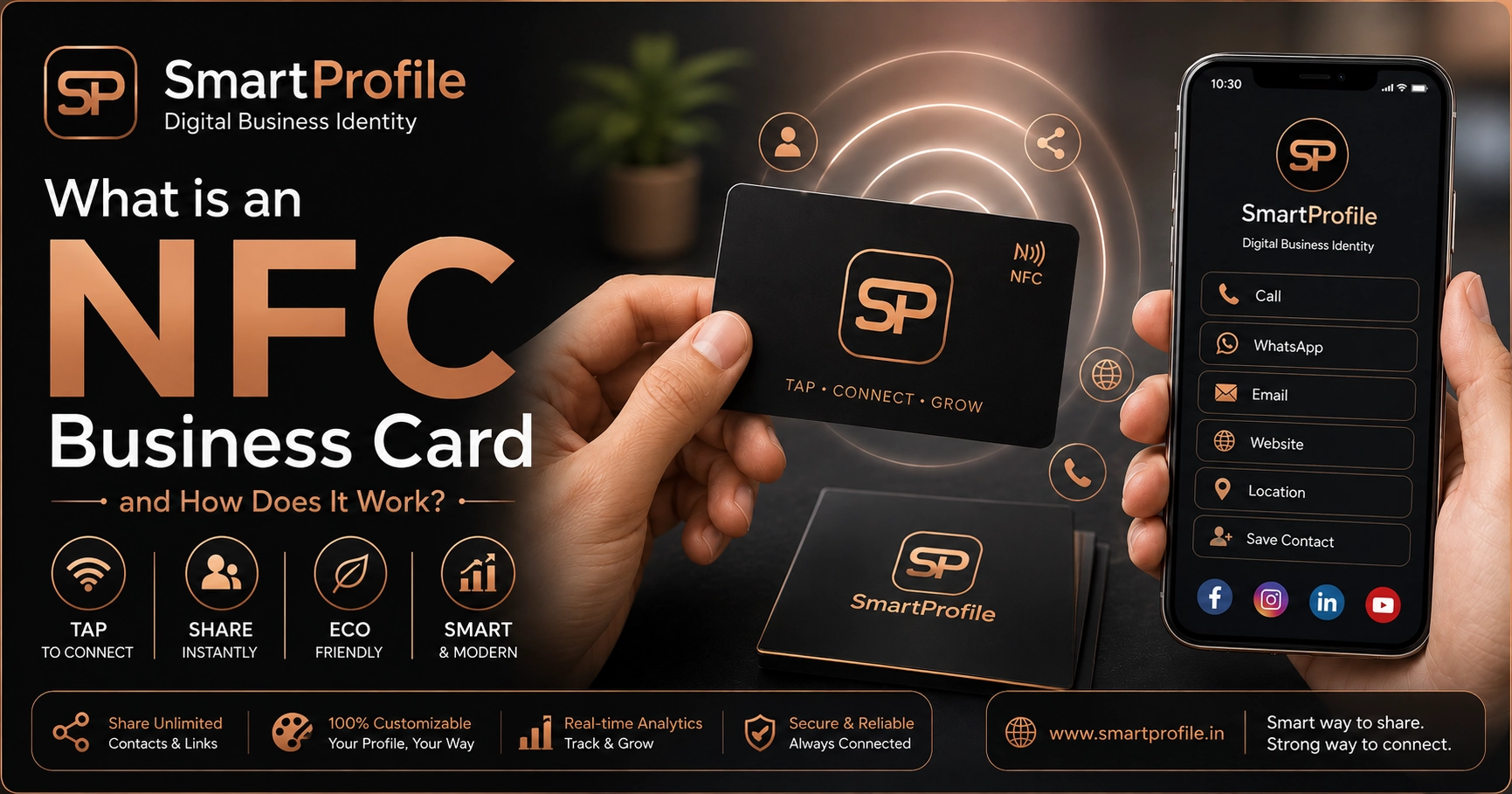
If you've ever seen someone tap a card on a phone and instantly share their contact details, you've seen an NFC business card in action. No app to download, no typing, no printing — just a tap.
Paper visiting cards have been the default for decades, but they come with real problems: they run out at the worst moment, they get thrown away, and the information on them goes stale the moment you change your phone number or designation. An NFC business card solves all three problems with a single small chip.
In this guide, we'll break down what NFC actually is, how an NFC business card works, why it's becoming the preferred choice over traditional paper visiting cards for professionals across India, and answer the most common questions people have before switching.
What is NFC?
NFC stands for Near Field Communication — a short-range wireless technology that lets two devices exchange data when they're a few centimetres apart. It's the same technology behind contactless payments (tap-and-pay cards) and metro/transit cards, so most people already use NFC every day without realising it.
You can read more about the technical standard on the NFC Forum, the industry body that maintains NFC specifications. NFC is designed for very short-range communication, typically within a few centimetres, which makes it fast and deliberate for close-range interactions. No one can accidentally read your card from across a room.
How Does an NFC Business Card Work?
An NFC business card looks like a regular visiting card, but it has a tiny chip and a thin antenna coil embedded inside it. That chip stores a small amount of data — usually a link to your digital business card or profile page.
Here's what happens when someone taps it:
Step 1. The person holds their smartphone near your NFC card.
Step 2. Their phone's NFC reader creates a small electromagnetic field, which powers the passive chip (the card itself needs no battery).
Step 3. The chip sends back the link it's programmed with.
Step 4. A link automatically opens in their browser — no app required.
Step 5. They land on your profile, with your phone number, WhatsApp, email, website, and social links all in one place, ready to save or explore.
The entire process usually takes under a second. Many modern smartphones support NFC, although availability and settings vary by device and operating system — iPhones read from the top edge near the camera, while Android phones typically need NFC turned on in Settings (most users already have it on for contactless payments).
If you want to see this in action before ordering, you can check our live demo or explore NFC business card options to see pricing and designs.
Why Are NFC Business Cards Better Than Paper Cards?
No reprinting costs. If your number, designation, or company changes, you update your digital profile — the physical card doesn't need to change at all. With paper cards, any change means throwing out your entire stock and reprinting.
Never run out. A paper card runs out at the worst moment — a networking event, a client meeting, a trade show. An NFC card works as long as it's in your pocket; there's nothing to restock.
More information, one tap. A paper card can only fit so much text before it looks cluttered. An NFC business card can link to your full profile — services, portfolio, testimonials, gallery, social links — without cramming anything onto a 3.5-by-2-inch surface.
Better first impression. A tap-to-share card signals that you're current with technology, which matters especially in client-facing, sales, and consulting roles where first impressions influence trust.
More sustainable. One card, used indefinitely, replaces hundreds of printed cards that mostly end up in a bin — a small but real environmental benefit that some clients notice and appreciate.
Trackable. Depending on the platform behind your card, you can often see how many people viewed your profile, which is something a stack of paper cards can never tell you.
NFC Business Card vs QR Code — What's the Difference?
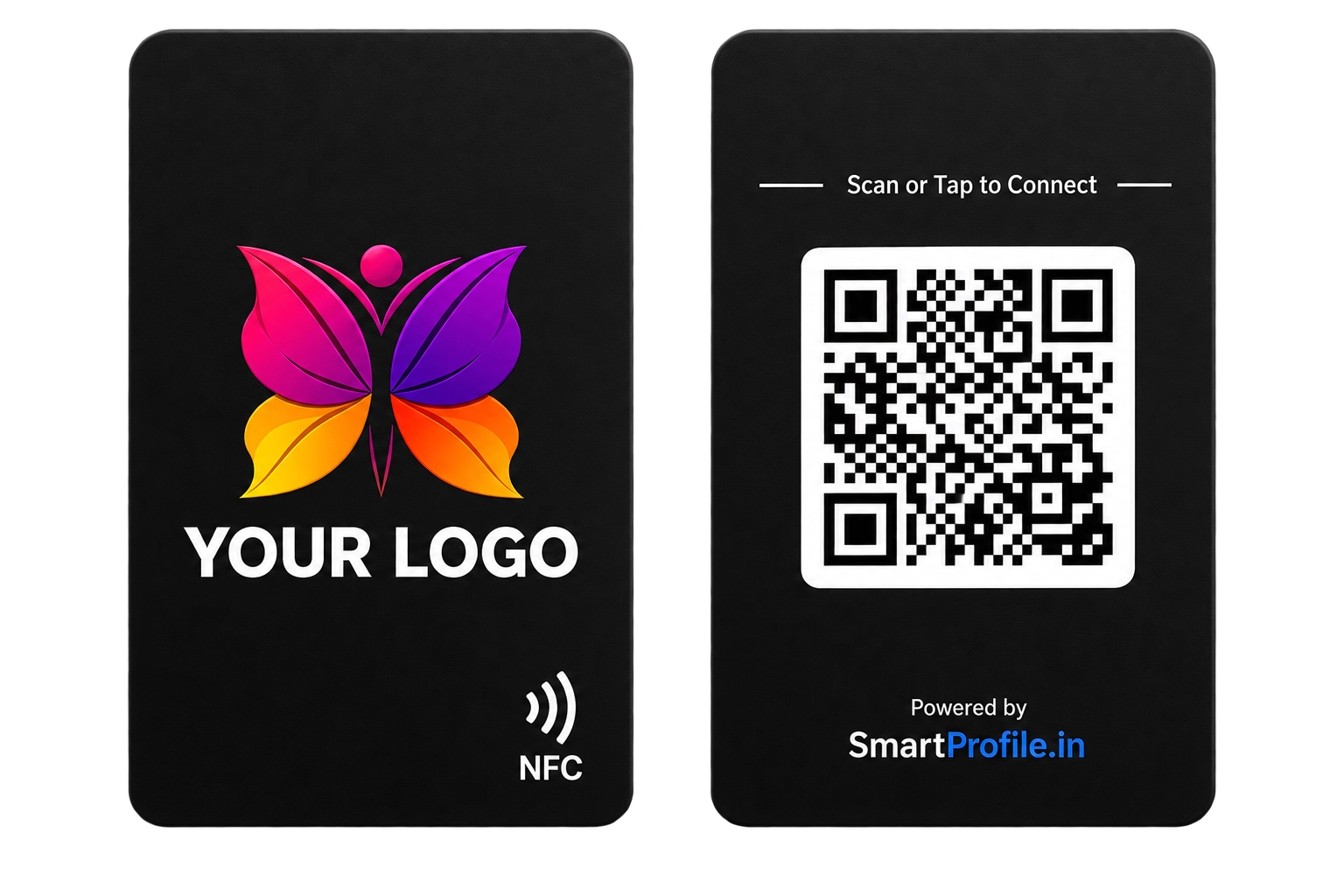
An NFC card only needs a tap, while a QR code needs the other person to open their camera, scan it, and tap a notification — three steps versus one. That's why most good NFC business cards — including SmartProfile's — print a QR code on the back too, as a fallback for older phones without NFC.
For a full side-by-side comparison, see our detailed guide: NFC Business Card vs QR Code.
Who Should Use an NFC Business Card?
NFC cards work well for real estate agents, consultants, freelancers, sales professionals, doctors, and small business owners — essentially anyone who exchanges contact details often and wants to make it effortless for the other person to save it. If your work involves meeting new people regularly — client meetings, networking events, trade shows, or even casual introductions — an NFC card pays for itself quickly in saved printing costs and stronger first impressions.
It's also useful for anyone who has changed roles or companies recently and is tired of re-explaining outdated information printed on old cards.
Getting Started
Setting up an NFC business card takes a few simple steps: create your digital profile with your contact details, services, and links, choose your card design and material, and place your order. Once your card arrives, it's ready to use immediately — no app setup or configuration needed on the recipient's side.
You can see current pricing and design options on our NFC business card page.